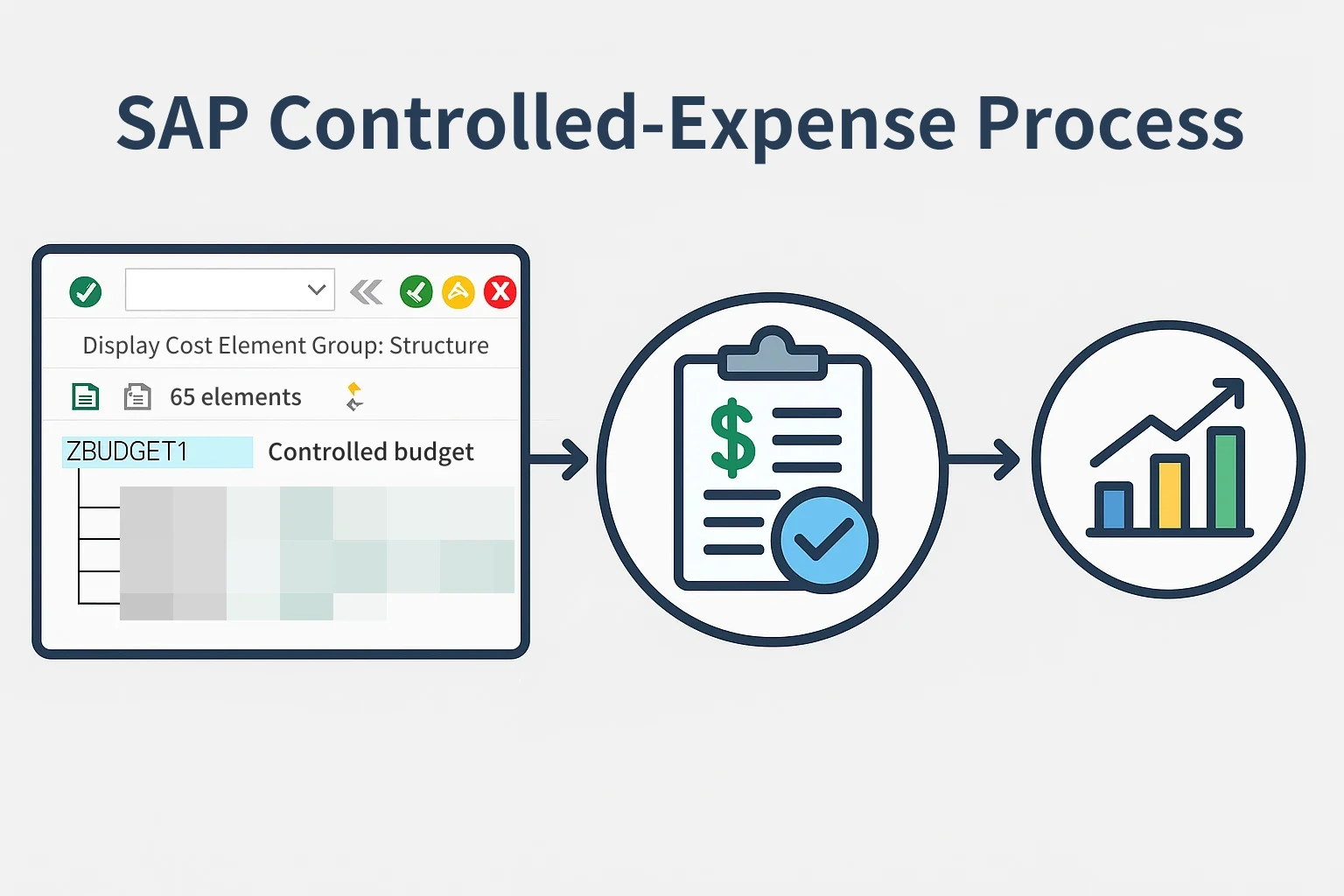
A practical way to manage controlled expenses in SAP CO
When you work with the SAP CO (Controlling) module, you often get questions like this.
"Can we treat account A as a controlled expense? Can we set a baseline budget and only spend within that limit?"
The short answer is yes.
It takes two main steps.
Step 1: KAH3 – add the account to a cost element group
When SAP manages budgets, it groups accounts using a cost element group.
- Transaction code: KAH3
- Example cost element group: ZBUDGET1 (controlled-budget account group)
Add the new account A you want to manage to this group.
With this setup, later budget planning can be managed for the whole group at once, and budget overruns can also be controlled at the group level.
Step 2: KP06 – plan the budget
Now assign the actual budget.
- Transaction code: KP06
- Main entries:
- Budget version: e.g. 11
- Fiscal year: e.g. 2025
- Cost center: e.g. 111111 (real estate development team)
- Cost element group: ZBUDGET1
- Periods: January to December
With these entries, the budget plan is created for the whole cost element group that includes account A.
Step 3: Control budget overruns
- When actual spending occurs, SAP checks in real time whether the budget is exceeded
- If it is, the system blocks the posting in advance or issues a warning (depending on the control options)
- Management gets stable control over how expenses are spent
✅ Practical tips
- Cost element groups can be managed flexibly by organization, department or type of expense
- KP06 is basic budget planning; it can be taken further if you introduce the FM module
- You can run several budget versions depending on your operating policy (e.g. separating plan and execution)