Disclosure: this post contains my Muse referral code. If you use it, I also receive 1 billion Muse tokens.
An app recently climbed to the top of the US App Store: Muse, the personal AI agent Meta released in the US on September 8. It is not in the Korean App Store yet, but I signed up from Korea in about two minutes with a VPN. This post walks through how, and then shows how to install Claude Code on the cloud computer that comes with Muse and drive it from your phone.
Muse is an agent that does the work
Muse is not a chatbot you talk to; it is an agent you hand jobs to. According to Meta's announcement, it can open a browser, fill out forms and negotiate on your behalf, and it checks with you before it sends an email or makes a purchase. It runs on Muse Spark, Meta's multimodal model built for agentic work.
The most distinctive part of the design is the computer. Every Muse agent gets its own dedicated virtual machine, the Muse Secure VM, which holds both the agent and your data (NBC News). A separate Sentinel agent on the same machine checks what Muse does. That dedicated Muse computer is the key to the tip later in this post.
People noticed quickly. Sensor Tower counted about 730,000 downloads in roughly five days, and on September 18 Muse overtook ChatGPT as the top free iOS app in the US (CNBC). TechCrunch reported on September 25 that it had kept the top spot. For now it is offered only in the US and Canada, and no date has been announced for Korea.
What Alexandr Wang has been posting on X
Alexandr Wang, Meta's chief AI officer and the founder of Meta Superintelligence Labs, has been posting about Muse constantly since launch; Business Insider counted more than 300 posts on X in the two weeks after launch. These are the ones that show the arc.
- Launch day (September 8) · In the launch thread he described Muse as always on, fast, able to use a browser and connect to your apps. Each Muse runs in its own isolated secure VM, and it asks before sensitive actions such as sending an email or spending money. The rollout started in the US, with more countries to follow.
- Invite codes (September 16) · He announced the referral program: sign up with a friend's code and you both get 1 billion tokens, for up to 20 friends.
- Expansion (September 16) · He said the team is working to expand access everywhere. He has not mentioned Korea specifically.
- Number one (September 18) · A week after launch, Muse was the #1 app in the App Store.
- Mail and the secure VM (September 24) · He previewed Muse getting its own email address and shared his colleague David Singleton's explainer on the Secure VM design, whose point is that every Muse user gets a free computer in the cloud.
- Essay (September 25, US time) · In "Why We're Building Muse" he wrote that most people never say what they want. Muse is meant to take on the work so people can focus on wanting and dreaming.
How I signed up from Korea
1. Turn on a VPN and pick the US
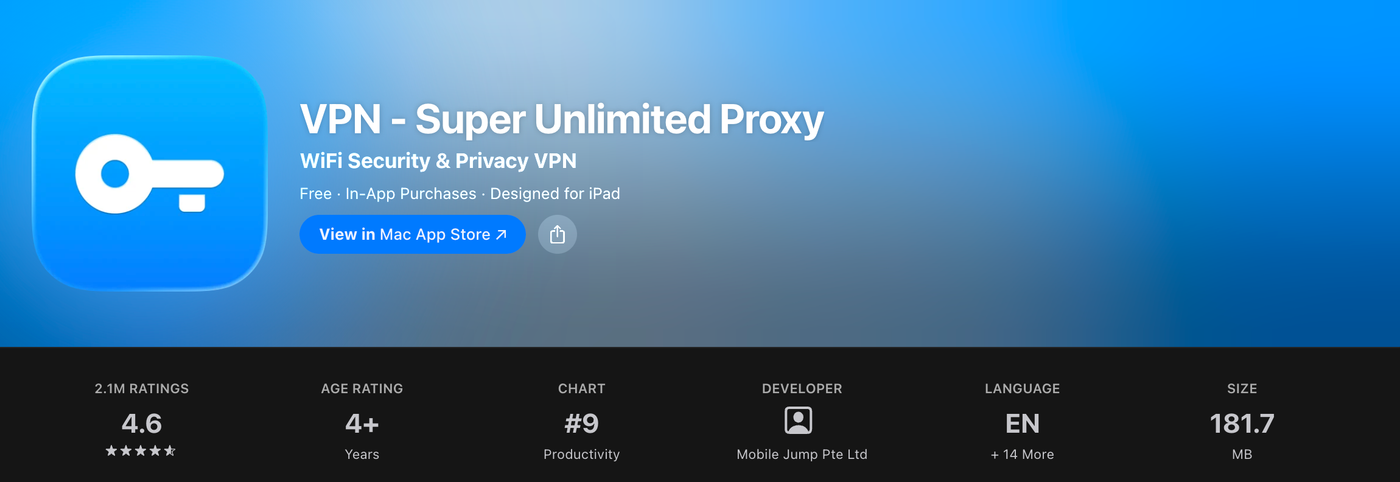
I used 'VPN - Super Unlimited Proxy' from the App Store. It is free to use (paid plans exist), lets you choose the US as the server country, and needs no account. Others report signing up with different VPNs too.
2. Sign up on the web first
With the VPN on, I opened muse.ai/join and created an account with my email. I could use Muse on the web right after signing up.
3. (iPhone) Create a US App Store account
To use the app as well, sign out of your Apple Account in the App Store and create a new account for the US region. Apple's guide says you can choose None as the payment method. In my case a Korean phone number was accepted.
4. Don't panic if it kicks you out once
Sign-up kicked me out once partway through. Logging back in with the account I had just created picked up where it left off.
Get 1 billion tokens with an invite code
This is the referral program announced by the official Muse account and by Alexandr Wang. When you sign up with an invite code, both the inviter and the new user get 1 billion tokens, and each person can invite up to 20 friends. Some reports say the code has to be entered within 48 hours of signing up, so do it right away. Tokens are in-app credits: under the Muse terms they cannot be exchanged for money or refunded.
My invite code: R2VPJQ · muse.ai/join
If you use this code, I also receive 1 billion tokens.
Tip: run Claude Code on the Muse computer
The Muse Secure VM is a real Linux computer. Meta's David Singleton explained that you can install software in it and write and compile code. Put Claude Code there and you have an always-on development machine without leaving your laptop running.
I asked Muse, in Korean, to install Claude Code permanently and to turn Remote Control on by default. A fuller version of the request would be: "Install Claude Code permanently on your computer, make sure it survives restarts, and turn Remote Control on by default." Muse replied that the old install had disappeared when its virtual machine was replaced, that it had reinstalled Claude Code under ~/.local and added it to PATH, and that Remote Control was now on by default. When I asked it to default to Opus 5.5 with high effort, it said it had set that too.
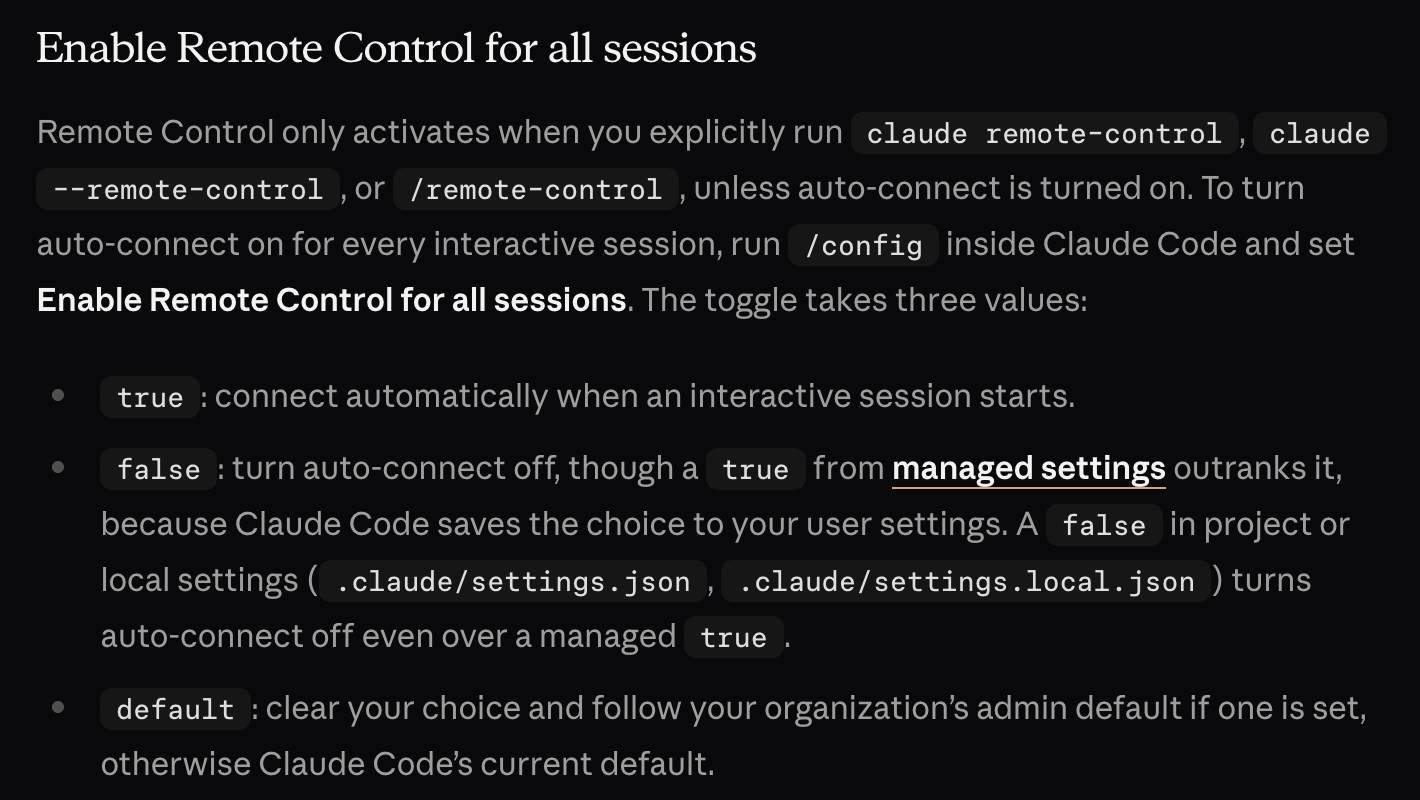
Checking the official docs, one part needs a second look. Opus 5.5 ignores a top-level effortLevel in settings.json; it has to go inside the per-model settings. Following the docs, ~/.claude/settings.json looks like this:
{
  "model": "claude-opus-5-5",
  "modelSettings": { "claude-opus-5-5": { "effortLevel": "high" } },
  "remoteControlAtStartup": true
}
remoteControlAtStartup belongs in your user settings file (~/.claude/settings.json); a true in project settings is ignored. Remote Control works on Pro, Max, Team and Enterprise plans and not with API keys, so sign in to your claude.ai account with claude auth login inside the Muse computer. The connection only lasts while the claude process is running, so start it inside tmux or screen.
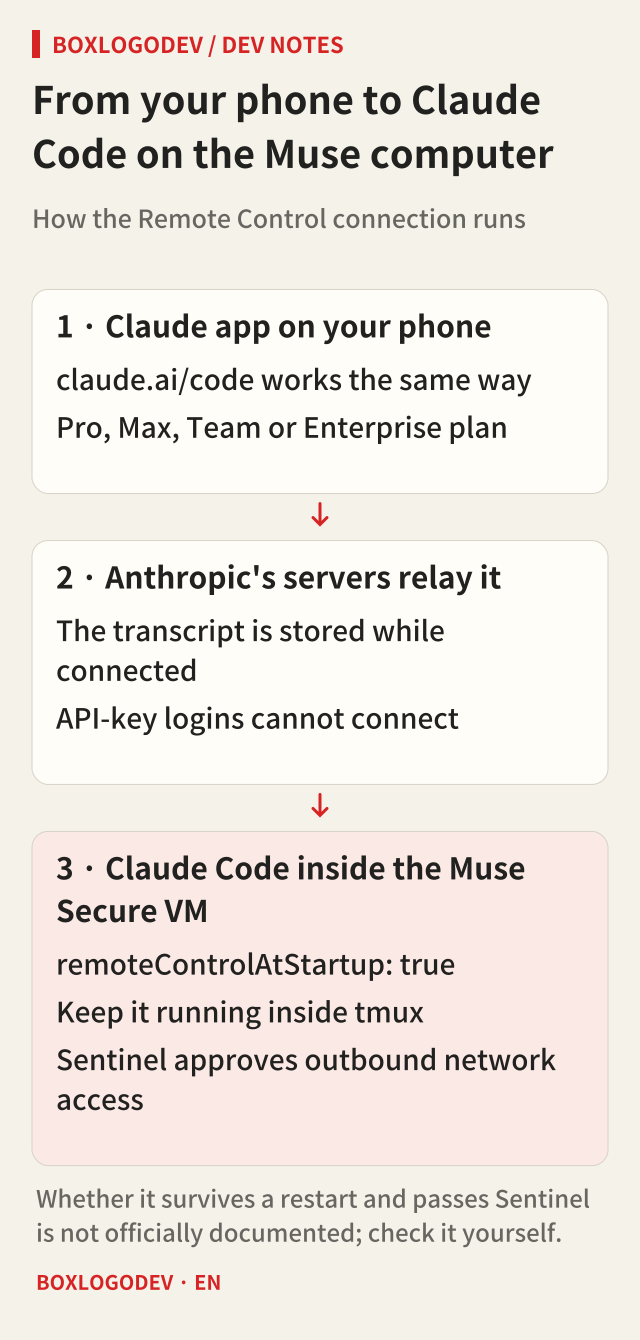
Two things, though, are not covered by any official documentation yet: whether the install and the running session survive a restart of the Muse computer, and whether Muse's Sentinel lets Claude Code's outbound connections through. Meta's security write-up says Sentinel holds the permission for network traffic leaving the machine, so if the connection is blocked, check Muse's approval prompts first.
Things to keep in mind
- Terms · The Apple Media Services Terms make the services available in your country of residence and allow Apple to terminate your account if it suspects a violation. Muse is available only in some regions, and its terms allow access to be suspended for violations. I found no clause that bans VPNs outright, but account action is a real possibility.
- Credentials · On Linux, Claude Code stores your login in ~/.claude/.credentials.json. That file stays on the Muse computer, so keep company code and sensitive personal data off it and sign out when you are done.
- Transcripts · While Remote Control is connected, the session transcript and tool activity are stored on Anthropic's servers. To switch the feature off entirely, set disableRemoteControl to true in settings.
If you haven't tried Muse yet, start with 1 billion tokens using invite code R2VPJQ. If you use it, I receive tokens too.
Add your perspective.
Share a question, another approach, or something you have tried.
Checking sign-in…
Loading comments…